
📦
One install
Four arcade games inside the one app you already have.
Birdie Dash, Sky Hopper, Snake and 2048 — four arcade games with personal-best boards on your phone, plus daily and weekly score challenges. No installs, no separate apps, no internet needed — they ship inside Game Night.
Birdie Dash — tap to fly, dodge every pipe. Sky Hopper — an endless jumper: steer left and right and climb as high as you can. Plus the two classics below.
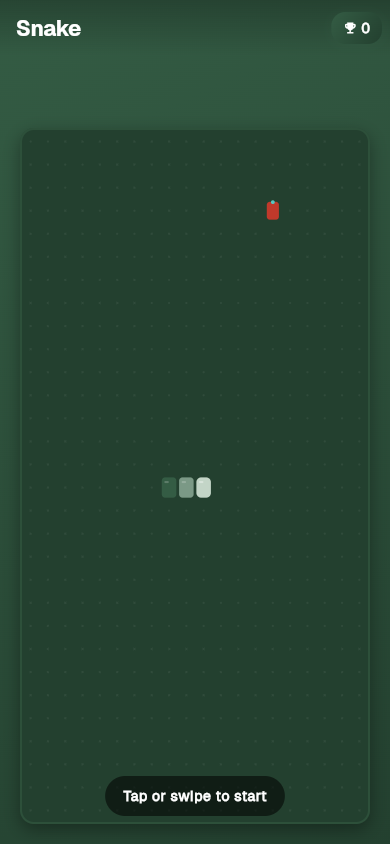
Eat the apple. Grow the snake. Don't bite your own tail. Same Snake your Nokia 3310 played.
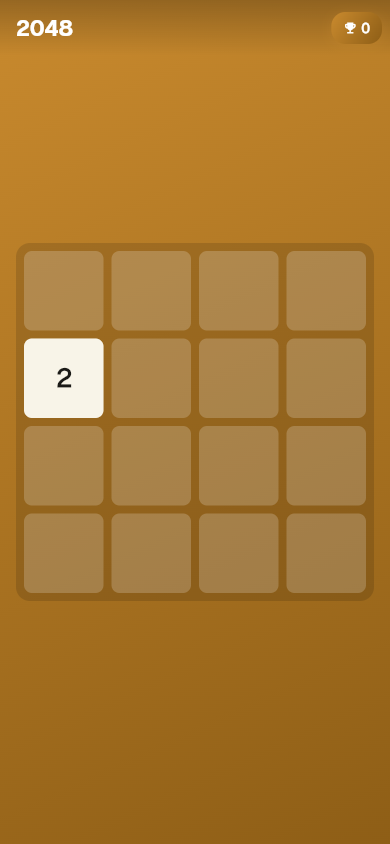
Swipe to merge tiles. Hit 2048. Then try for 4096 because somehow that's what we do now.
Arcade runs and dice rolls feed score challenges on the Tournaments page. They're personal-best boards kept on your phone — beat your own score. Free, no fees, no internet.
Want to play each other? Set up a local tournament bracket on one phone with friends and bots — free to enter, no entry fee, no prizes, just bragging rights. How brackets work ❯
Standalone arcade games each install separately and pull their own SDKs. Game Night ships all four inside the same ~10–15 MB hub install. One ad SDK (non-personalised, COPPA-safe), no analytics SDK, one privacy policy.
Four arcade games inside the one app you already have.
The arcade games ask for nothing extra — no microphone, camera or contacts, because they don't need them.
Your runs feed one Tournaments page. No four-app switching.
Many arcade apps lock cosmetics behind a purchase. Game Night has no in-app purchases at all.
Birdie Dash and Sky Hopper can also be played together in a Bluetooth or Wi-Fi room. Ads show after every third game over, never mid-run.
No signup. No internet needed. Non-personalised ads between games.
GET IT ONGoogle Play