
Play with friends — anywhere.
One phone, same room, same Wi-Fi, or anywhere with internet. Four transport modes so the game never stops just because the Wi-Fi dropped or someone's data ran out.
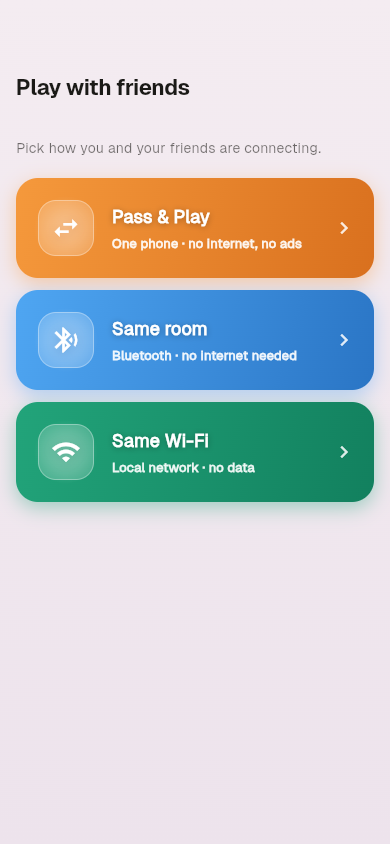
Pick the way you're connecting tonight
Four modes; pick whichever fits your situation. No login or account required for any of them.
| Mode | Internet? | Cost | Latency | Best for |
|---|---|---|---|---|
| Pass & Play | No | $0 | 0 ms | One phone, kids/cousins at a dinner table |
| Same Room (Bluetooth) | No | $0 | ~50-150 ms | Car rides, basement, anywhere off-grid |
| Same Wi-Fi (LAN) | Wi-Fi only | $0 | ~10-30 ms | Same house, faster than Bluetooth |
| Online (6-letter code) | Yes | $0 | ~80-300 ms | Diaspora cousins, long-distance |
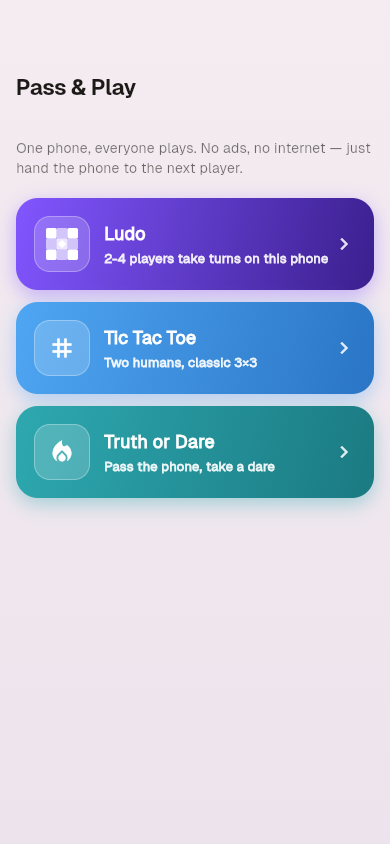
Pass & Play — one phone, no internet
The simplest mode. Hand the phone around the table. Works in airplane mode, never serves ads during a turn.
How to start a Pass & Play game
- Tap the Friends tab (third bottom nav icon).
- Tap the Pass & Play orange card.
- Pick a game: Ludo, Tic Tac Toe, or Truth or Dare.
- For Ludo, choose number of human players (2-4), tokens to win, dice per turn, turn timer.
- Tap Start game — hand the phone to whoever's first.
Pass & Play is the only mode that runs fully in airplane mode. The host-phone never needs to find anyone.
Same Room (Bluetooth) — no internet, no Wi-Fi
Built on Google Nearby Connections — phones discover each other automatically over Bluetooth Low Energy. No pairing required, no Bluetooth menu setup.
How to host a Bluetooth room
- Both phones: tap Friends ❯ Same Room (blue card).
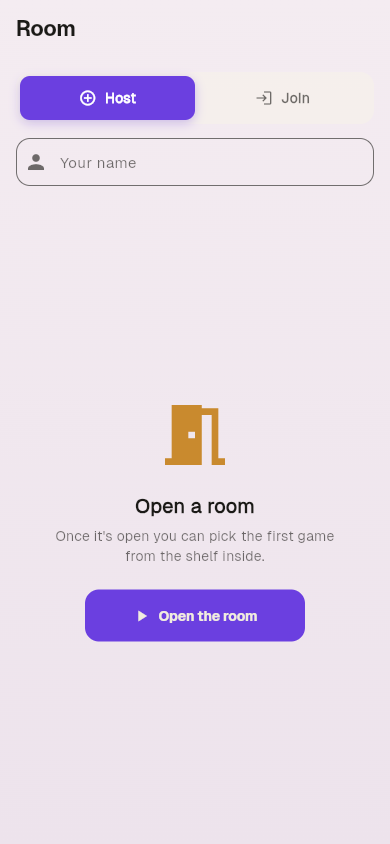
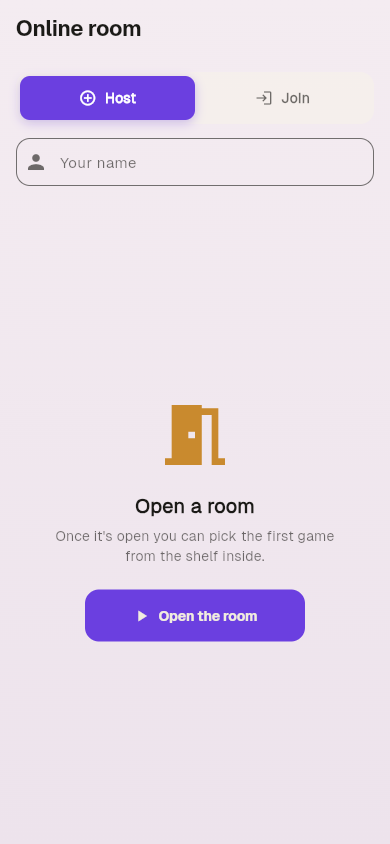
- Host phone: tap Host, type a display name, tap Open the room.
- Joiner phone: tap Join, type a name. The host's room shows up automatically as nearby phones discover each other.
- Joiner: tap the host's name. Host's screen shows the new player.
- Host: tap a game tile (Ludo, TTT, ToD, Flappy, Doodle). The game opens on every player's screen.
First time: Android may ask for Bluetooth + Location permission. Location is required by Android for BLE peer discovery even though Game Night never reads your geographic location. More on this ❯
Same Wi-Fi (LAN) — fastest, same router
For households where everyone's on the same Wi-Fi. ~3× faster than Bluetooth and free of BLE pairing quirks.
How to host a Wi-Fi room
- All phones on the same Wi-Fi network.
- Tap Friends ❯ Same Wi-Fi (green card).
- Host: tap Host, type a name, tap Open the room. Host's phone shows a QR code.
- Joiner: tap Join, scan the QR code (camera permission asked once).
- Up to 4 phones in one Ludo room. Pick the game from the shelf inside.
Uses mDNS service advertise + discover on the local network. No data leaves your router — Game Night doesn't see the connection at all.
Online — 6-letter code, friends from anywhere
For when your cousins are in Karachi and you're in Birmingham. Routed through a stateless Supabase Realtime channel — messages relay through, never durably stored.
How to host an online room
- Both phones online (Wi-Fi or mobile data — works on 3G).
- Tap Friends ❯ Online.
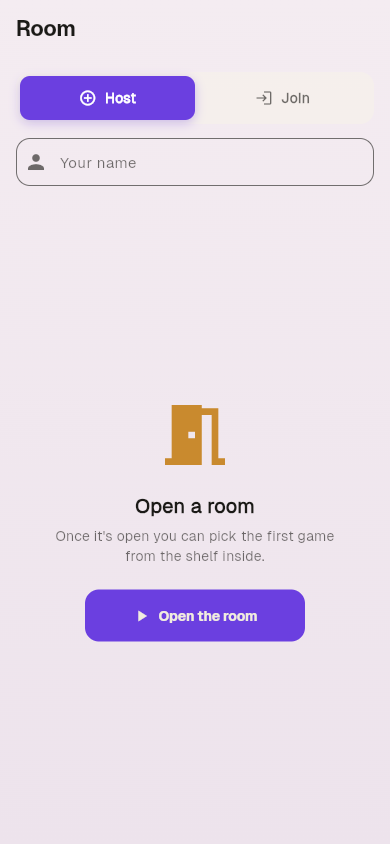
- Host: tap Host, type a name, tap Open the room. A 6-letter room code appears.
- Host shares the code with friends (WhatsApp, SMS, anywhere — it's 6 characters).
- Joiner: tap Join, paste the code, tap continue. You're in.
- Up to 4 phones. Game-state syncs every move, including dice rolls and chat.
Game Night charges nothing for online play. Supabase free tier handles ~10K concurrent rooms; we'll pay for the upgrade when the user count justifies it.
Pick a game and play
The same 19 games are available across every transport. Below: Pass & Play Ludo setup ❯ 4-player Ludo board. Same UI across modes.
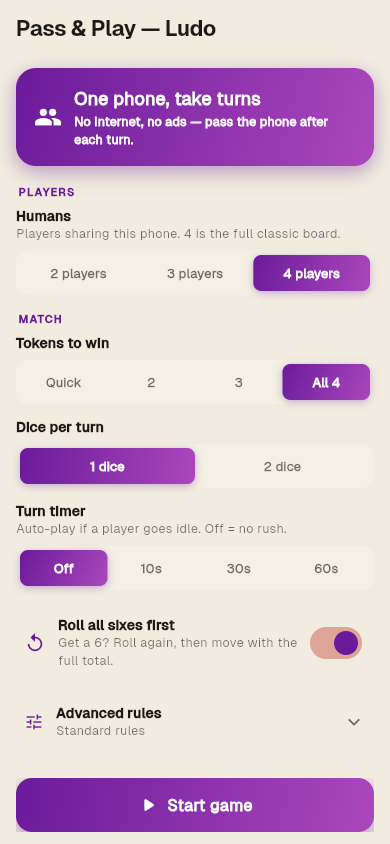
Configure the round
Pick players, tokens-to-win, dice per turn, turn timer, advanced rules.
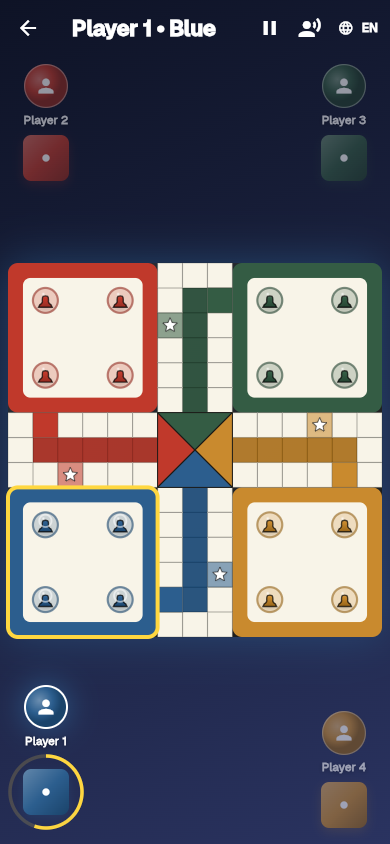
Play the classic board
Four colours, safe squares, sixes bring out pawns, doubles roll again.
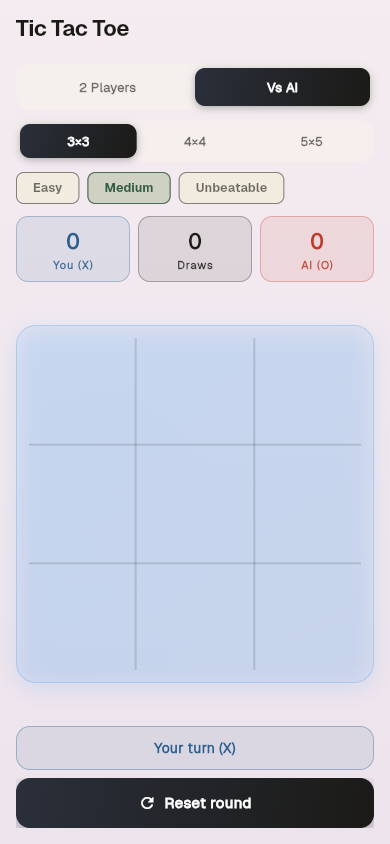
Or Tic Tac Toe
Quick 3×3 or 9-board Ultimate Tic Tac Toe variant.
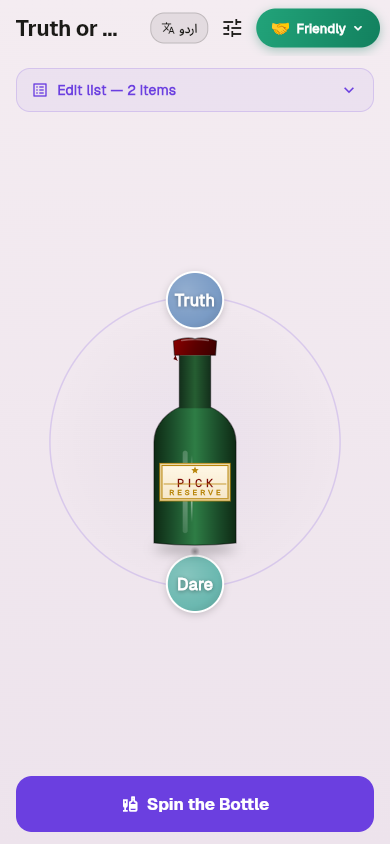
Or Truth or Dare
Six prompt packs. Pass-and-play or open-room flow both work.
Open a room. Settle it tonight.
No account, no signup, no card. Pick your transport, share the join method, play.
GET IT ONGoogle Play